See how PrintLedger turns a customer order into a clean business flow.
From invoice to lab queue to payment and report, everything stays connected. That means faster billing, less confusion, and better control for the owner.
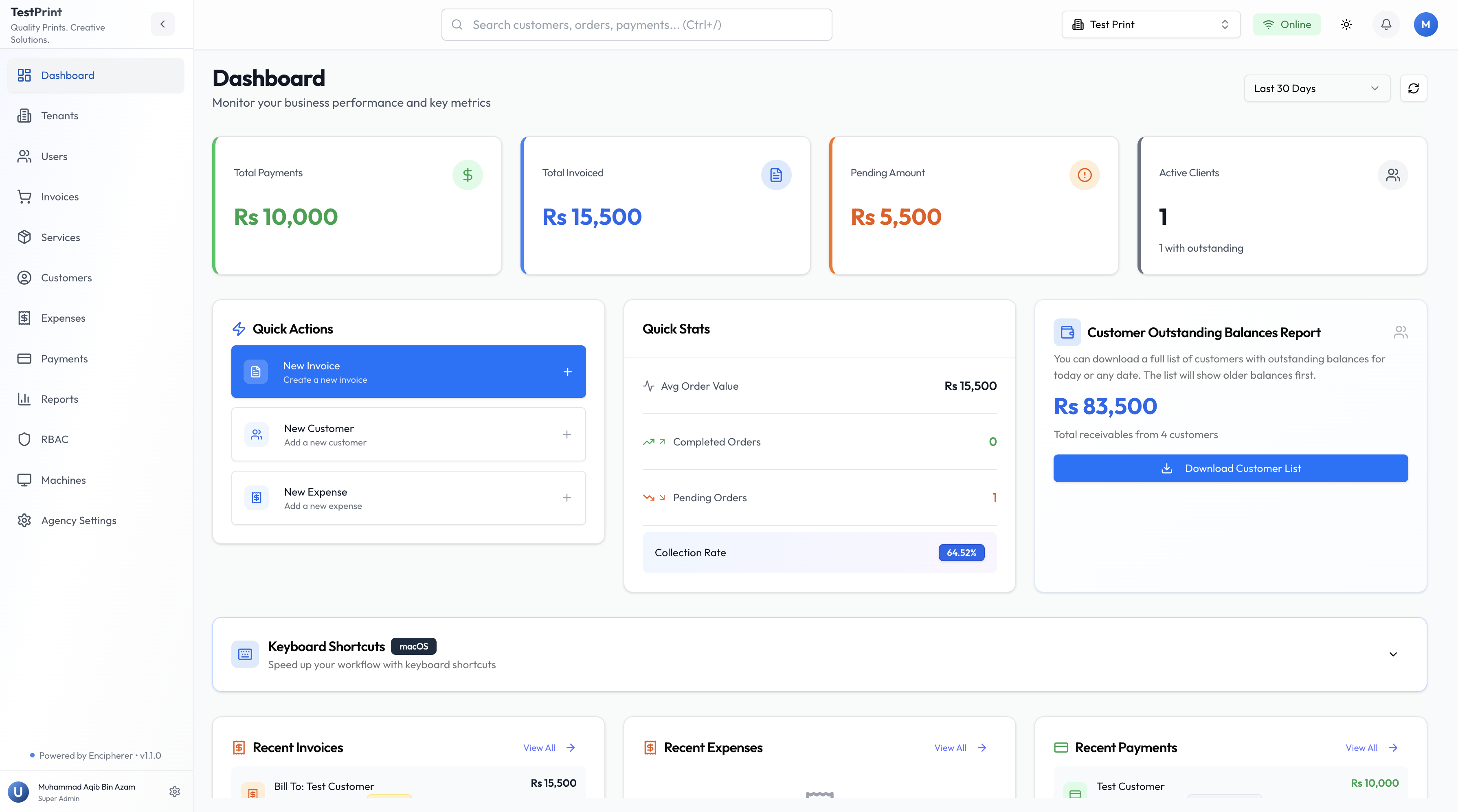
From customer order to final report.
The point is not more software. The point is a clear flow that saves time at the counter and keeps the owner informed.
Create the invoice
Search the customer, add the service, enter size or quantity, and finish the bill in one screen.
Send the job to the lab
The order moves into the queue with clear priority so the production team knows what to do next.
Track payment and balance
When the customer pays part or full, the ledger updates right away and the balance stays visible.
See the business view
The owner can check jobs, dues, reports, and staff activity without asking for manual updates.
Faster counter work
Less typing, fewer mistakes, and quicker billing when the customer is standing in front of you.
Clear accountability
Every action is recorded, so there is no confusion about who created, printed, or completed the job.
Cleaner records
Invoices, balances, and payment history stay together for each customer.
Easy for the team
Counter staff, lab staff, accounts, and owner all follow the same flow.
Show this to your team and see the flow in one meeting.
If you want to stop using mixed files, manual registers, and repeated follow-up, this is the shortest path to a cleaner process.